Why AI Is Actually Useful for Home Design
Tired of paying someone hundreds just to tell you where to hang your art or which beige to paint your walls? Same. Interior design shouldn’t be reserved for people with massive budgets and endless time. That’s where AI comes in. It makes home styling way more doable, way less stressful, and honestly… kind of fun.
Whether you’re redoing your whole place or just trying to make your space feel more “you,” tools like ChatGPT, RoomGPT, and InteriorAI, part of the growing wave of interior design AI, can actually help. No design degree needed. No expensive mistakes. Just real help that makes sense for real homes.
AI doesn’t just spit out cold suggestions. When you get specific with what you need, like “what color curtains would work with my green velvet couch and wood floors?” you get advice that’s actually useful. It’s like having a design-minded friend on-call who knows your taste and never judges your clutter.
Use AI to Make Everyday Design Decisions Easier
Sometimes it’s not a full makeover. It’s just small things that throw the whole vibe off. Like a rug that suddenly makes your couch look weird. Or empty shelves you keep pretending aren’t there. Or maybe you just moved in and now you’re questioning every color choice all over again.
That’s where AI can seriously help. You can ask ChatGPT things like:
- “What should I put on these floating shelves?”
- “What paint color would warm up this room without making it dark?”
- “Do I need more lighting, or just better placement?”
It gives you suggestions, color combos, even tells you what to avoid. And if you want to see the change before committing, RoomGPT, InteriorAI, and Homestyler let you test it out using actual photos of your space. No guessing. No wasted money.
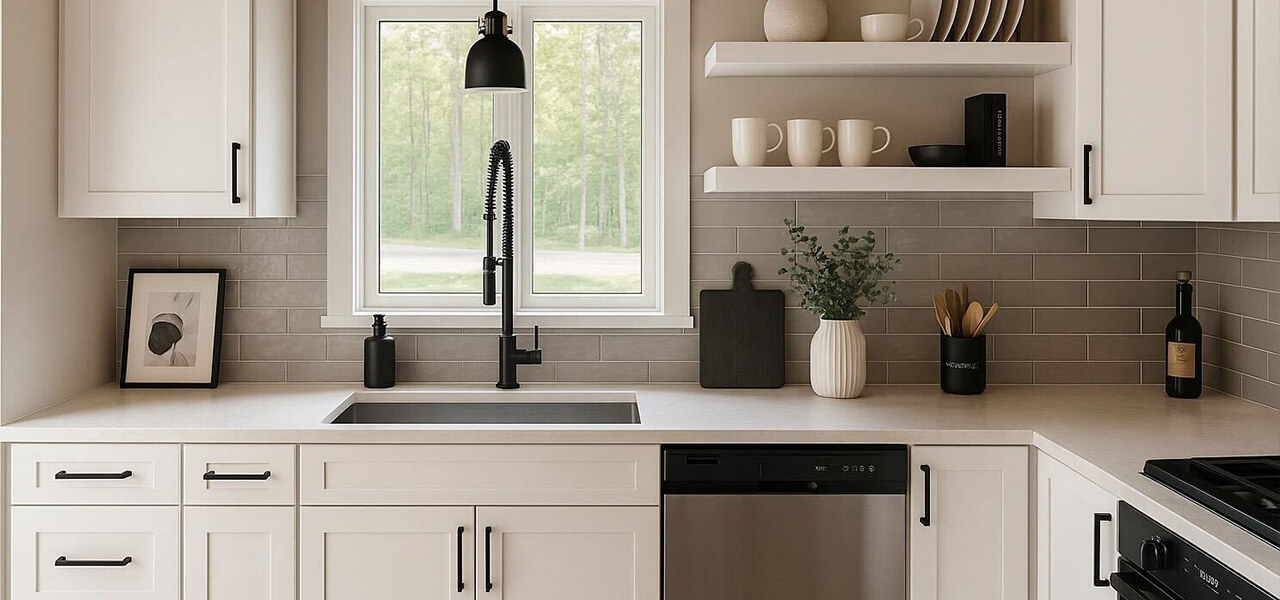
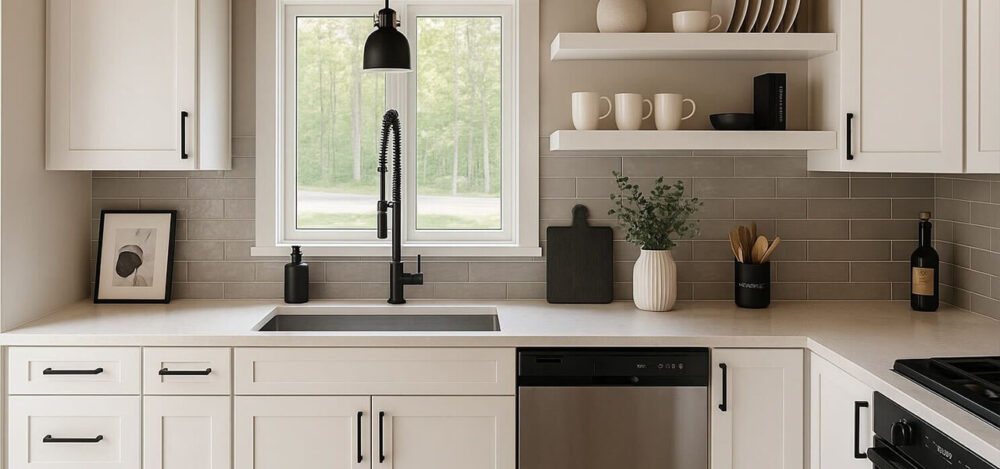
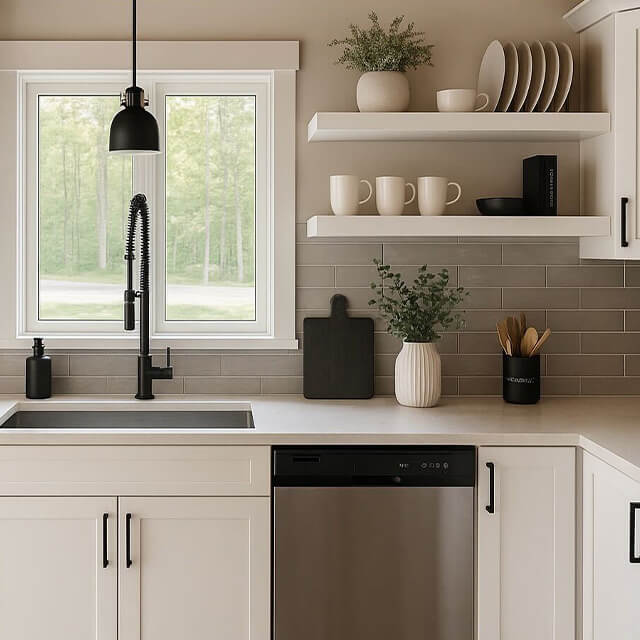
Real-life example: Upload a photo of your kitchen with empty floating shelves and ask AI what to put on them. It might suggest a mix of greenery, stacked neutral plates, and a sculptural object, plus tell you where to place them so it looks styled but not cluttered.
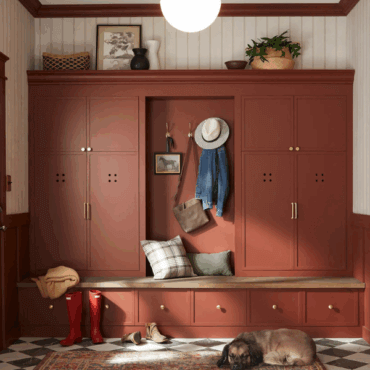
You can even ask how to make that awkward corner near your entryway more functional. AI might suggest adding a compact bench with baskets underneath, a wall-mounted key hook, and a mirror to bounce light.
Use It to Choose Art, décor, or Furniture (Without the Headache)
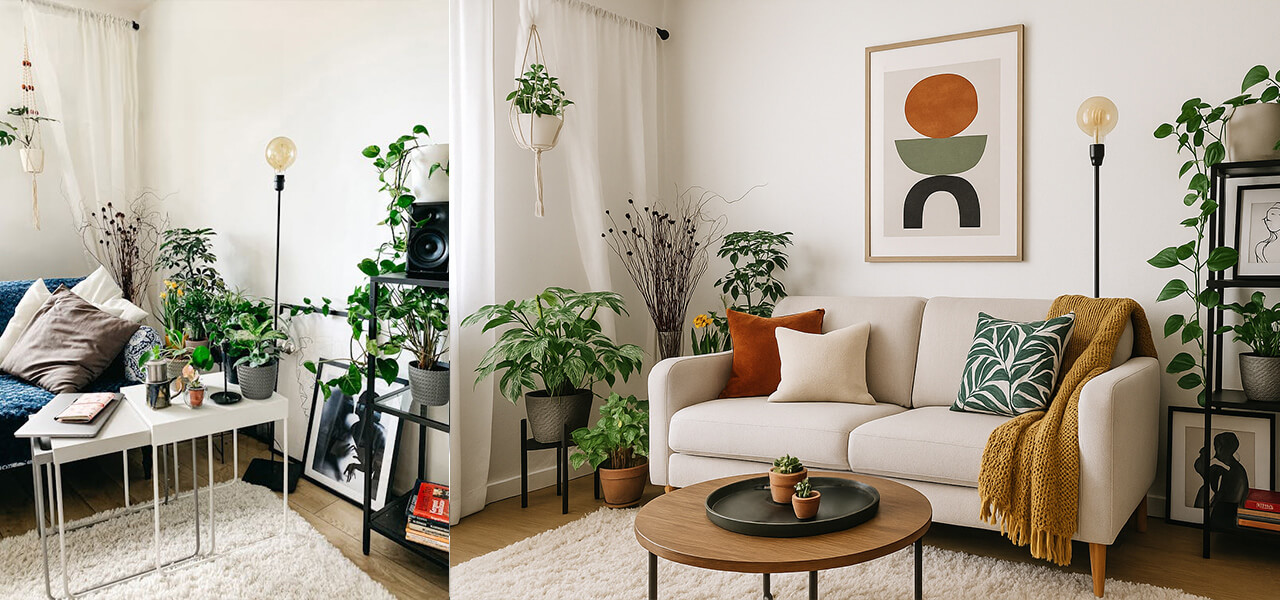
Trying to pick wall art when you have 47 tabs open and no clue what your style even is? Yeah, we’ve all been there. AI helps narrow it down based on your space, your overall style, and the stuff you already own.
Like bold prints but not sure if they’ll clash? Want to mix modern pieces into a vintage room? ChatGPT can walk you through how to make it work and what to avoid. You can even get suggestions on the best size or frame type based on your wall and furniture setup.
Some tools let you test digital art or décor right on a photo of your room. So instead of hoping it’ll look good, you actually know.
You can even upload a photo of your current setup and ask, “Which style of coffee table would balance this out without making the room feel crowded?” AI can tell you which shapes or materials to look for and what to avoid.
Not Sure What Your Style Is? Let AI Help You Figure It Out
This part’s underrated. A lot of people don’t even know what their home style is, they just know when something looks “off.”
You can literally ask ChatGPT: “Here’s what I have a velvet couch, a rattan chair, black metal shelves. What’s my style?”
It’ll break it down for you (maybe modern boho, soft industrial, whatever fits). Once you know that, it’s easier to make choices that actually work together, whether you’re shopping for lighting, rugs, or wall art.
You can also ask for a quick room style check. Upload a photo and say, “Does this room feel cozy or cold?” and get tips on how to fix it. Maybe it just needs layered lighting, a warm-toned rug, or better wall art.
Now for some real talk. Not every AI suggestion will hit. Sometimes it might suggest a combo that feels off or just miss what you’re going for. But the more you use it, the more your prompts improve, and it starts to get your style better. Over time, you’ll get more helpful and accurate recs that actually feel like you.
Plan Outdoor Changes Without Regret
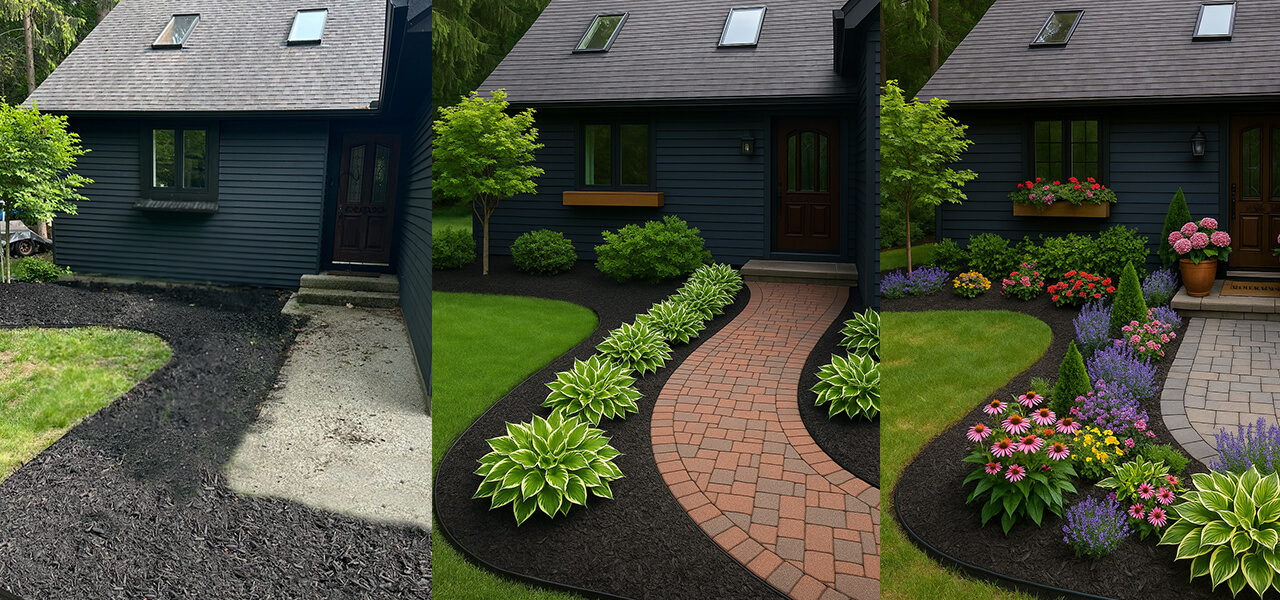
Outdoor updates can get expensive fast, and they’re a lot harder to undo. If you’re about to repaint your house, rip out shrubs, or build a patio, AI can help you make smart choices before committing. Upload a photo of your exterior and experiment with different paint colors, try out new porch layouts, or preview how materials like gravel or pavers would look. You can even ask for suggestions based on your home style, climate, and space.
Not sure what colors pair well with brick? Or how to make a small front porch more functional? AI tools can walk you through ideas you might not have considered, from lighting updates to vertical planters. You can also ask about low-maintenance plants that thrive in your zone, or how to lay out a backyard seating area without blocking the view from your windows. It’s a faster, smarter way to test out outdoor upgrades before spending money or breaking ground.
When to Use AI vs. When You Might Still Want a Human Touch
AI is powerful, especially when you’re trying to update a space quickly and affordably. But it’s not magic. For everyday styling, small room refreshes, choosing art, playing with layout ideas, or even mapping out a basic remodel, AI absolutely delivers. That said, there are still moments where hiring a real designer might be worth it. If you’re doing a major renovation, knocking out walls, rerouting plumbing, or working with historical architecture, you’ll want someone who understands structural logistics and building codes.
Also, if you’re aiming for something ultra-custom or need help managing contractors and sourcing rare pieces, a designer’s experience and network can go a long way. Think of AI as your design co-pilot. It gets you 80% of the way there, but it’s okay to bring in backup when the project goes next-level.
How to Get Better Results from AI (Prompts That Work)
Most people open ChatGPT or another AI tool and freeze. “What do I even ask?” is the most common hang-up. Good news: the better your question, the better the result. AI is like a super-smart assistant, but it needs clear direction.
Try prompts like:
- “What color curtains work with dark green walls and wood floors in a north-facing room?”
- “Give me three layout options for a small open-concept studio apartment with a bed, couch, and desk.”
- “How can I decorate my entryway with only a console table and mirror but still make it feel styled?”
Get specific with room size, color preferences, lighting conditions, and vibe (e.g., cozy, minimal, bold). The more you give it, the more helpful and tailored the answer.
AI Tools That Are Actually Making Interior Design Easier
RoomGPT – Fast Redesigns from a Photo
-
Level: Beginner
-
Best For: Single-room refreshes, style testing, quick inspiration
-
What It Does: Upload a photo of your space, pick a design style, and RoomGPT instantly generates new versions of your room. It’s a quick, no-effort way to test out different looks without downloading complex software or moving furniture around.
Reimagine Home AI – Redesign Indoor & Outdoor Spaces in Seconds
-
Level: Beginner
-
Best For: Idea generation, before-and-after concepts, outdoor spaces
-
What It Does: Upload a photo of a room or outdoor space, and the AI transforms it with a new aesthetic. It’s a fast, visual way to explore possibilities and brainstorm what a complete style overhaul could look like.
Midjourney – Visual Brainstorming for Designers
-
Level: Beginner
-
Best For: Creative direction, moodboards, concept visualization
-
What It Does: Just type a description, like “modern neutral living room”and Midjourney generates unique interior concepts. It’s not built for design, but it’s an easy way to explore ideas and nail down a look fast.
Interior AI – Style-Focused Redesigns with Dozens of Options
-
Level: Beginner to Intermediate
-
Best For: Quick aesthetic changes, multiple style comparisons
-
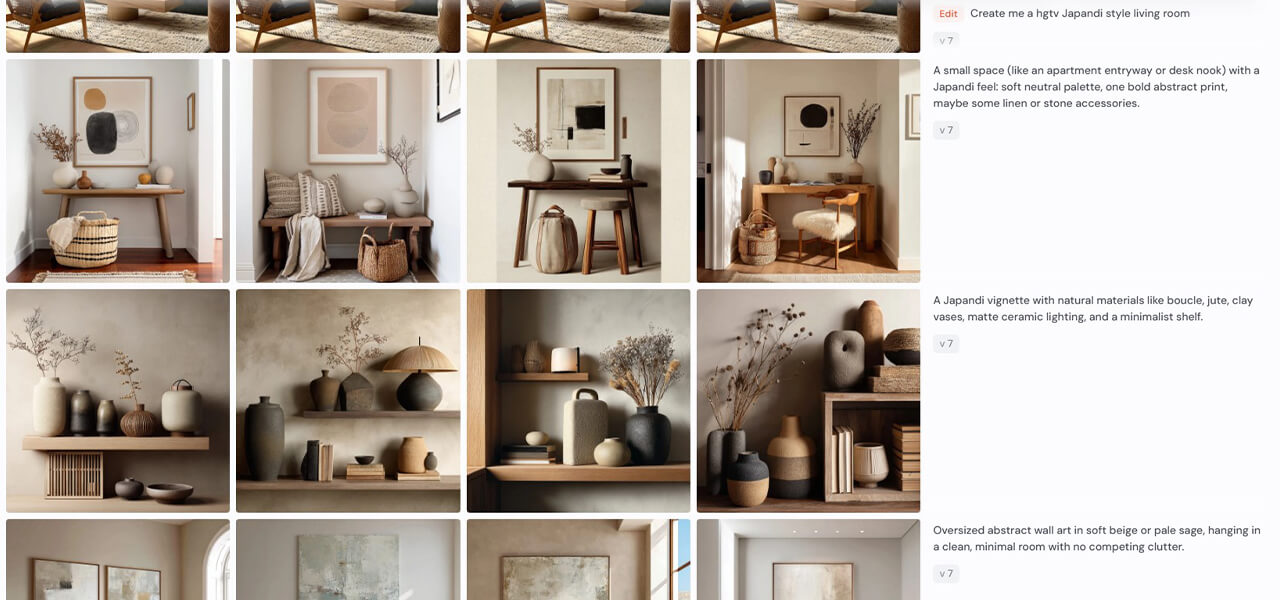
What It Does: Upload a photo of your space and choose from a wide range of styles, from Japandi to Maximalist, and the AI reimagines the room for you. It’s ideal for anyone who wants to see their space in a totally new light without touching a thing.
ChatGPT – The Thinking Assistant Behind the Scenes
-
Level: Beginner to Advanced
-
Best For: Planning, design research, space optimization
-
What It Does: ChatGPT helps you make decisions. Ask it to explain design styles, compare layouts, generate shopping lists, or write out a step-by-step plan for your next room refresh. It’s not visual, but it helps you figure out what you actually want to do before you dive in.
Homestyler – 3D Walkthroughs + Realistic Room Planning
-
Level: Intermediate
-
Best For: Room-by-room design, semi-detailed planning
-
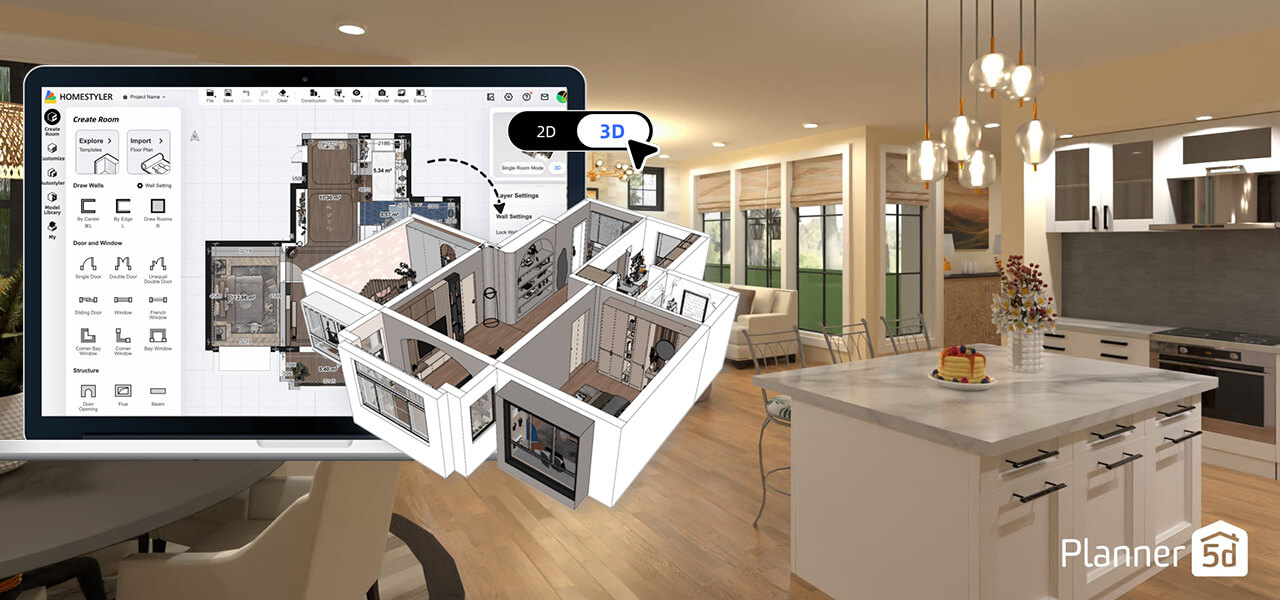
What It Does: Homestyler allows you to build and furnish rooms in a 3D environment. It includes templates, a furniture catalog, and AI design suggestions, giving you more creative control while still keeping things user-friendly for DIYers.
Planner 5D – Full Home Layouts, Beginner-Friendly
-
Level: Mid to Advanced
-
Best For: Full-home redesigns, remodeling, layout planning
-
What It Does: Planner 5D lets you create floor plans, drag and drop furniture, add lighting, and decorate your space room by room. The AI suggests layout improvements and lets you toggle between 2D and 3D views. It’s ideal for mapping out major home projects or planning a full room renovation from scratch.
Spacely AI – Photorealistic Renders for a Pro Look
-
Level: Advanced
-
Best For: High-end visuals, content creation, moodboards
-
What It Does: Spacely delivers ultra-polished, studio-quality renders of room designs. It’s built for users who care more about visuals than floor plans, and it’s a go-to for designers, realtors, or anyone who needs realistic mockups to showcase ideas.
How to Use ChatGPT With Other AI Design Tools
ChatGPT works even better when you use it alongside other platforms. For example, if you’re using Midjourney to create moodboard-style visuals, you can ask ChatGPT to help you craft specific prompts that match the look you’re going for, like “a cozy Scandinavian living room with warm lighting and soft textures.” This saves time and gets you more focused, scroll-worthy images.
It also helps guide your experience on more visual platforms. If you’re using a tool like RoomGPT, InteriorAI, or Homestyler, you can ask ChatGPT for ideas first: “What design elements would make this room feel more spacious?” or “How can I balance the colors in a room with a navy couch and light wood flooring?” Once you know what you’re aiming for, you’ll use the visual tools more effectively.
Pairing ChatGPT with visual platforms takes the guesswork out and adds direction to your process. It’s especially helpful when you’re not sure what to ask, or what to even look for.
From Interiors to Ideas: How AI Helps Beyond Design
Many of the AI tools mentioned in this blog have creative potential beyond interior design. You can use platforms like Midjourney to generate artwork, concept visuals, or brand mockups. If you’re planning a business, launching a creative project, or just need inspiration, these tools can help you visualize it before it exists.
ChatGPT is also useful far outside of décor. It can help you brainstorm product names, write social captions, plan content calendars, draft emails, or organize event details. It’s especially helpful for working through mental clutter, whether you’re making a grocery list or mapping out a new business idea.
Tools like Planner 5D and Homestyler can even be used for things like event planning, booth layouts, or mapping out a studio or office setup. You don’t have to be a designer to use them, you just need a starting point.
These platforms are built for flexibility. So whether you’re refreshing your home, launching a side hustle, or planning your next creative move, AI can make it easier to start and smarter to finish.
What This Means for Your Space
You don’t need to hire a designer or spend thousands to create a home that feels put together. With the help of AI, you can make smart styling choices, experiment with layouts, and get clarity when you’re stuck. These tools don’t just save you time, they give you confidence to take action on your own. Whether you’re completely redecorating or just need help making your space feel finished, AI is the shortcut that still lets you call the shots.